Add an asset
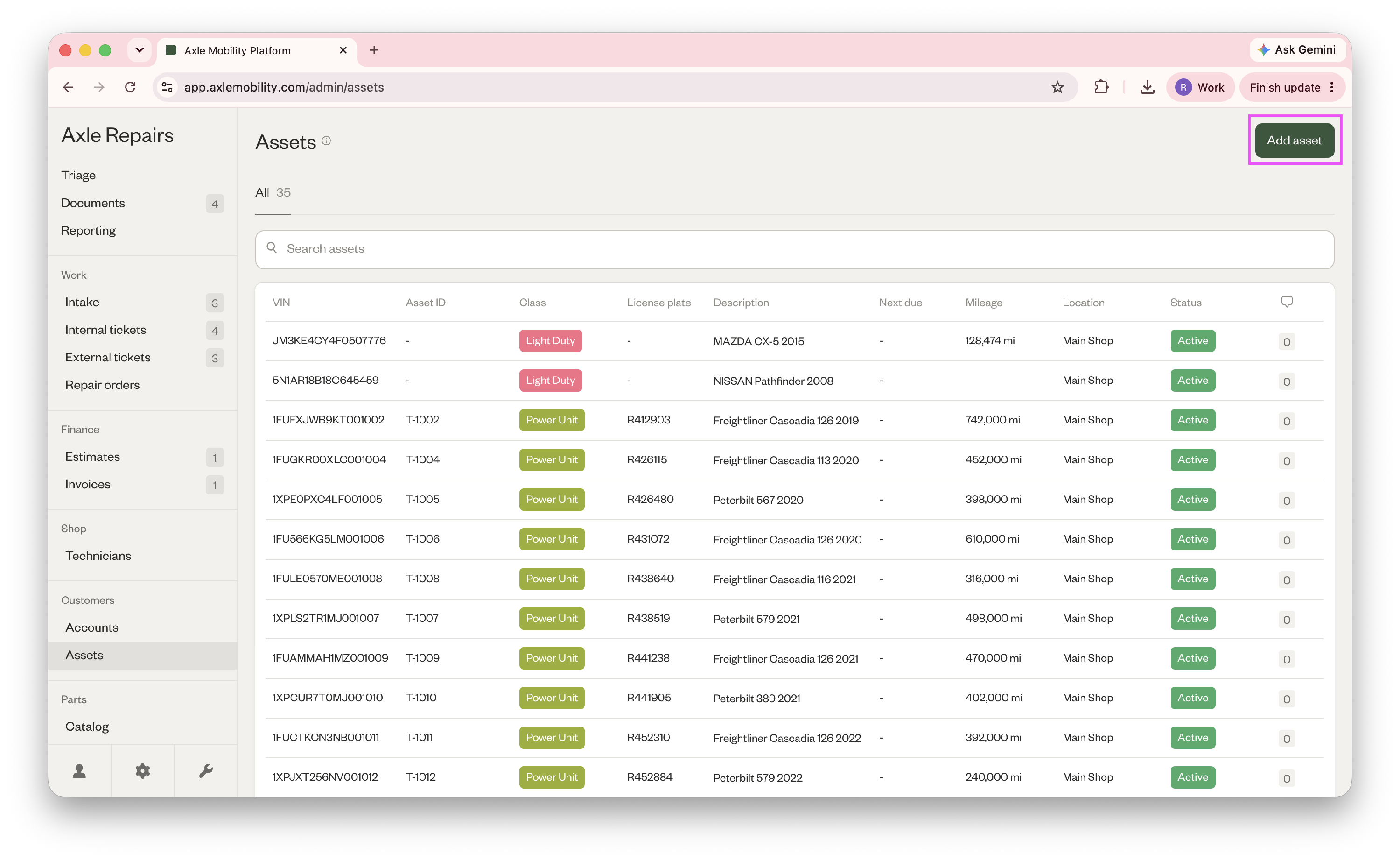
- Go to Customers > Assets > "Add asset" in the top right corner to add an asset.
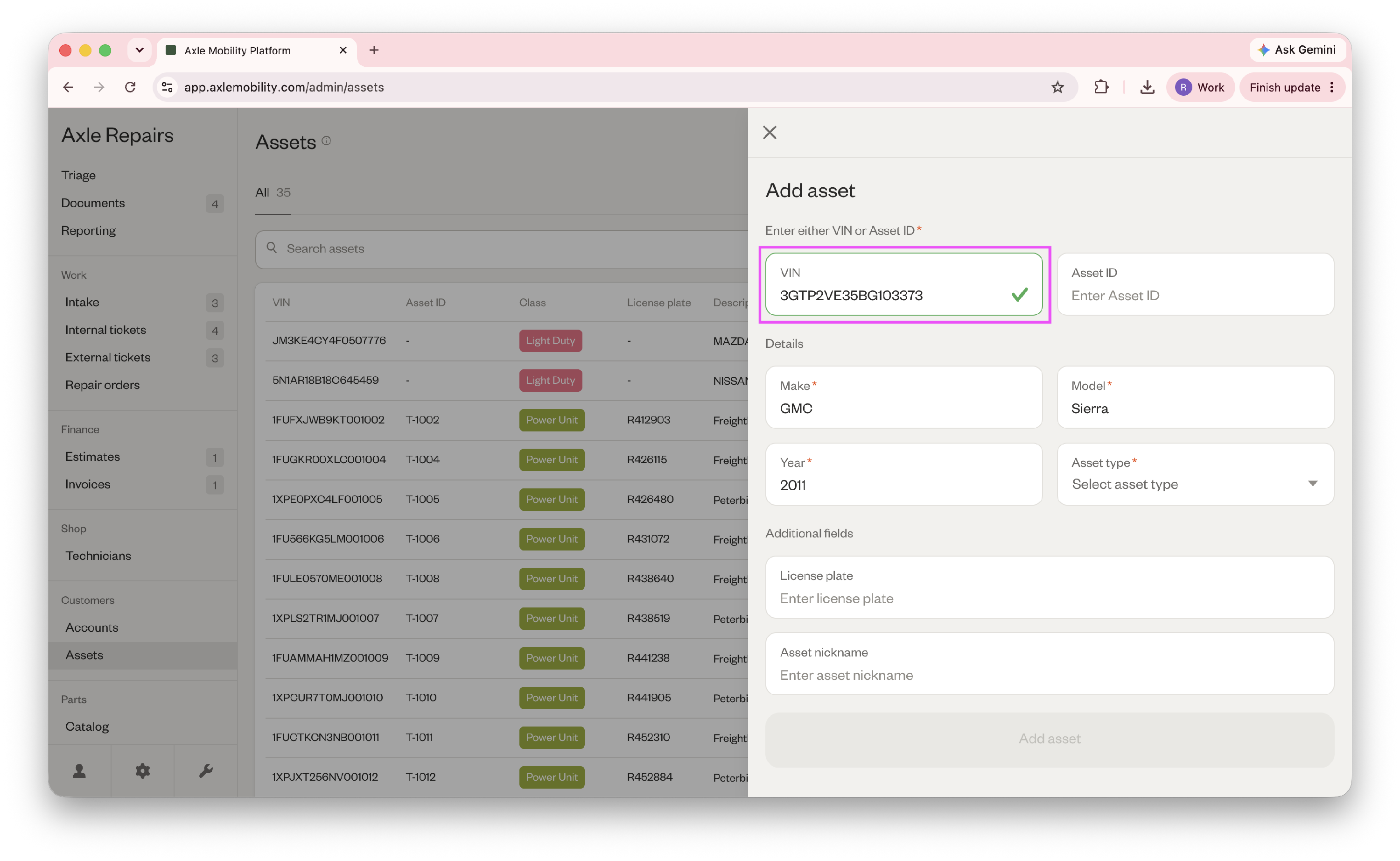
- When you enter the VIN, the make, model, and year will be auto-populated.
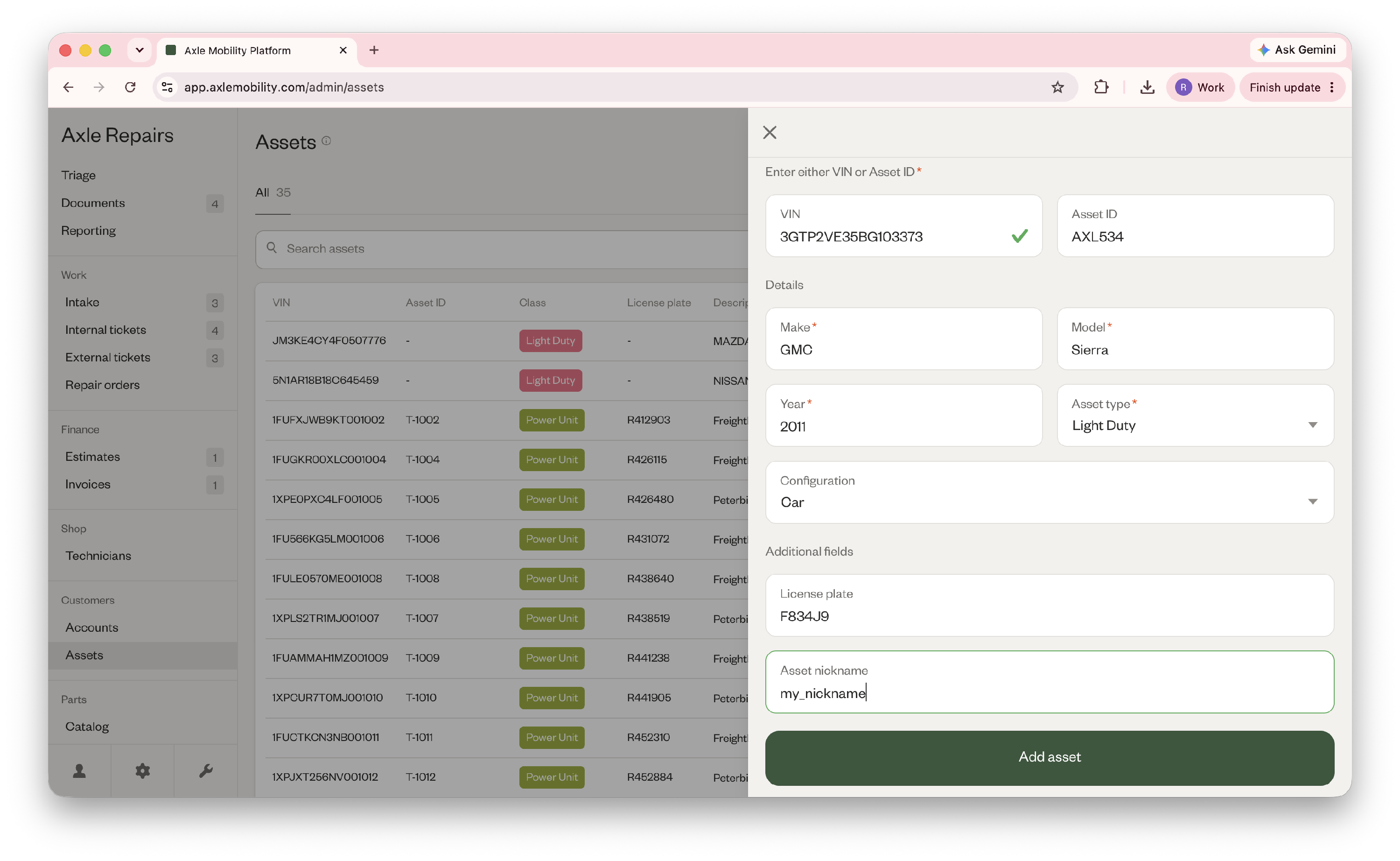
- If applicable, add the asset ID, license plate, and nickname, and select which asset type and configuration it is.
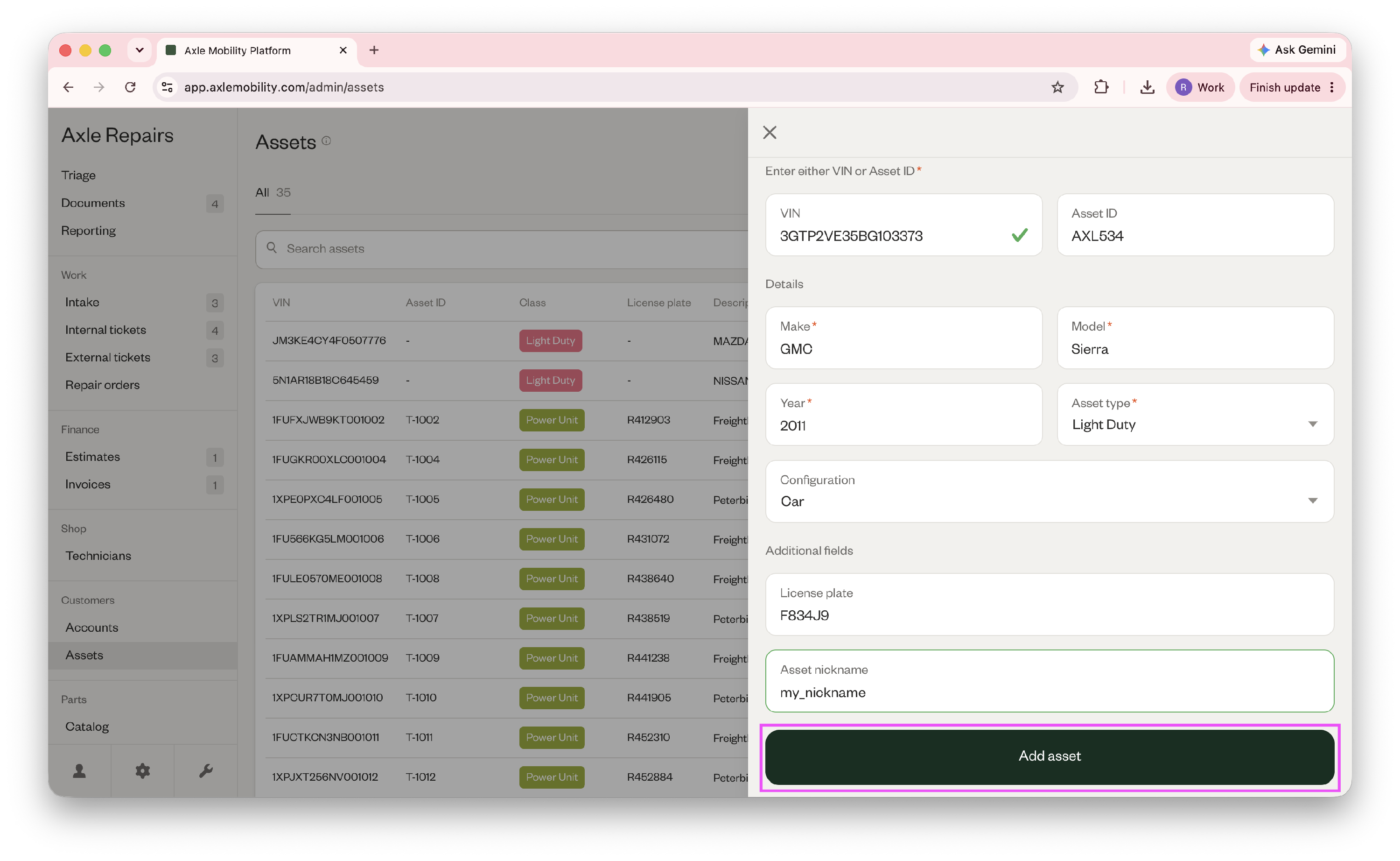
- Then click "Add asset" to finish.
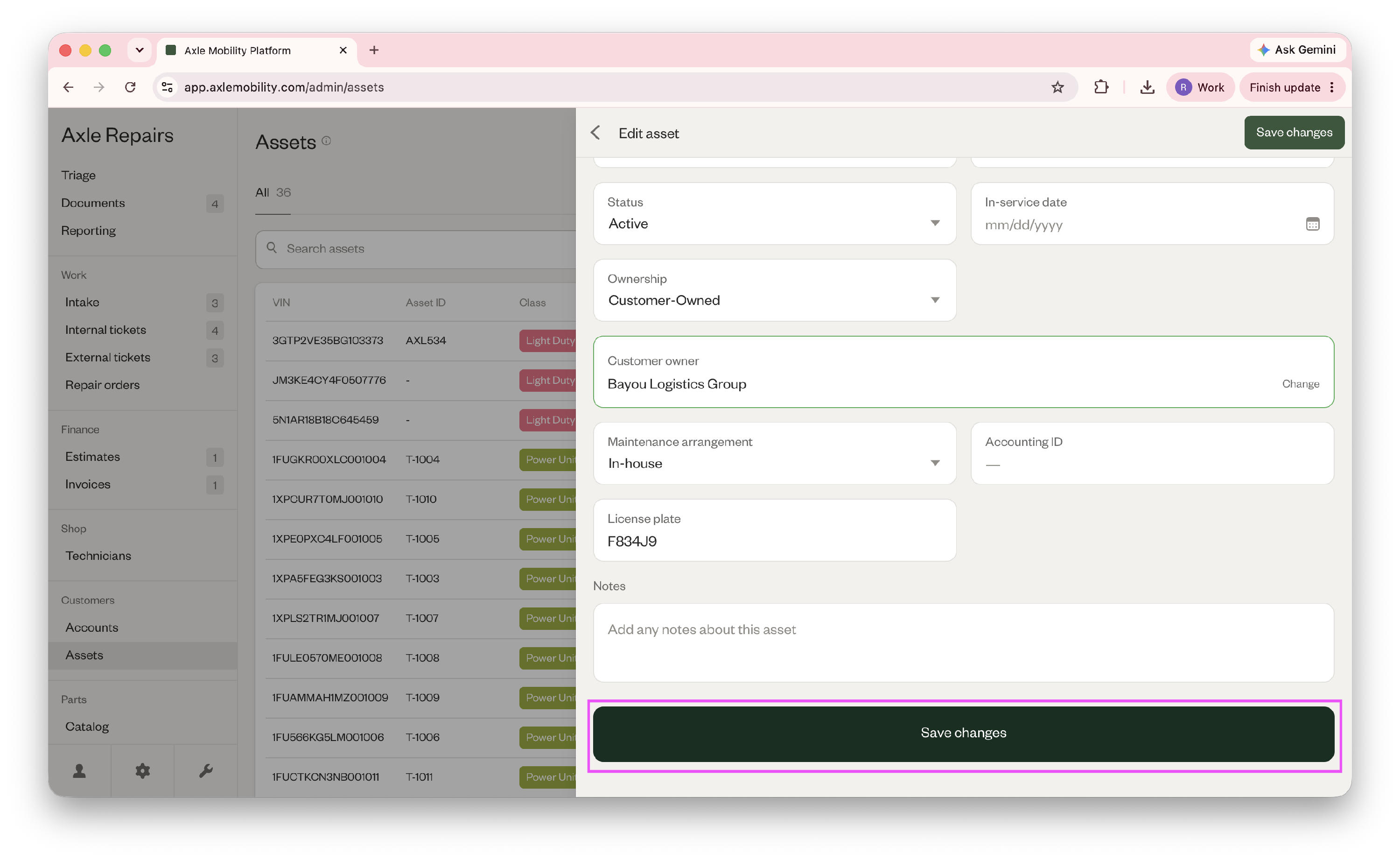
- To attach the asset to a customer, open the newly created asset.
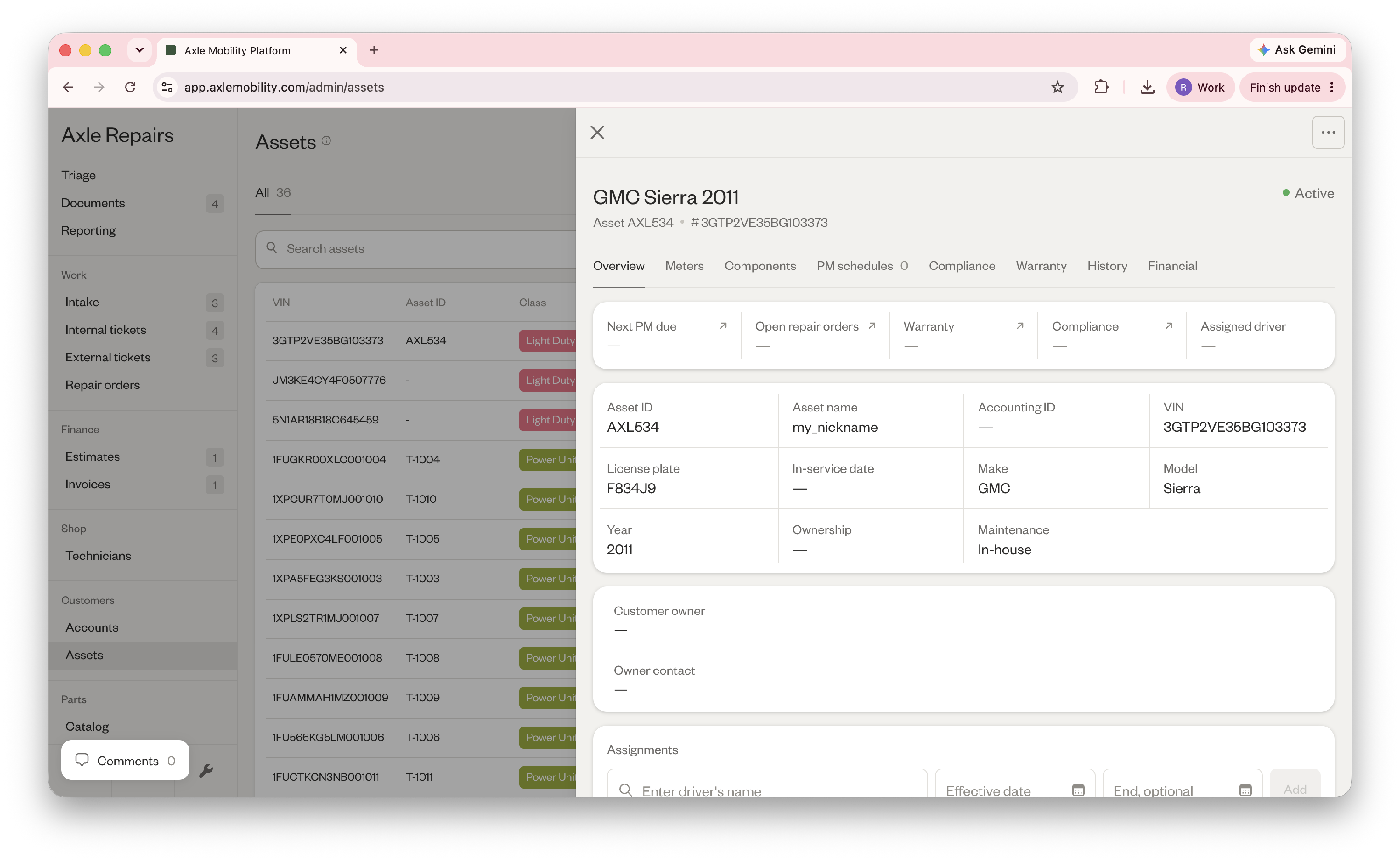
- Click the ellipses in the top right corner and click "Edit."
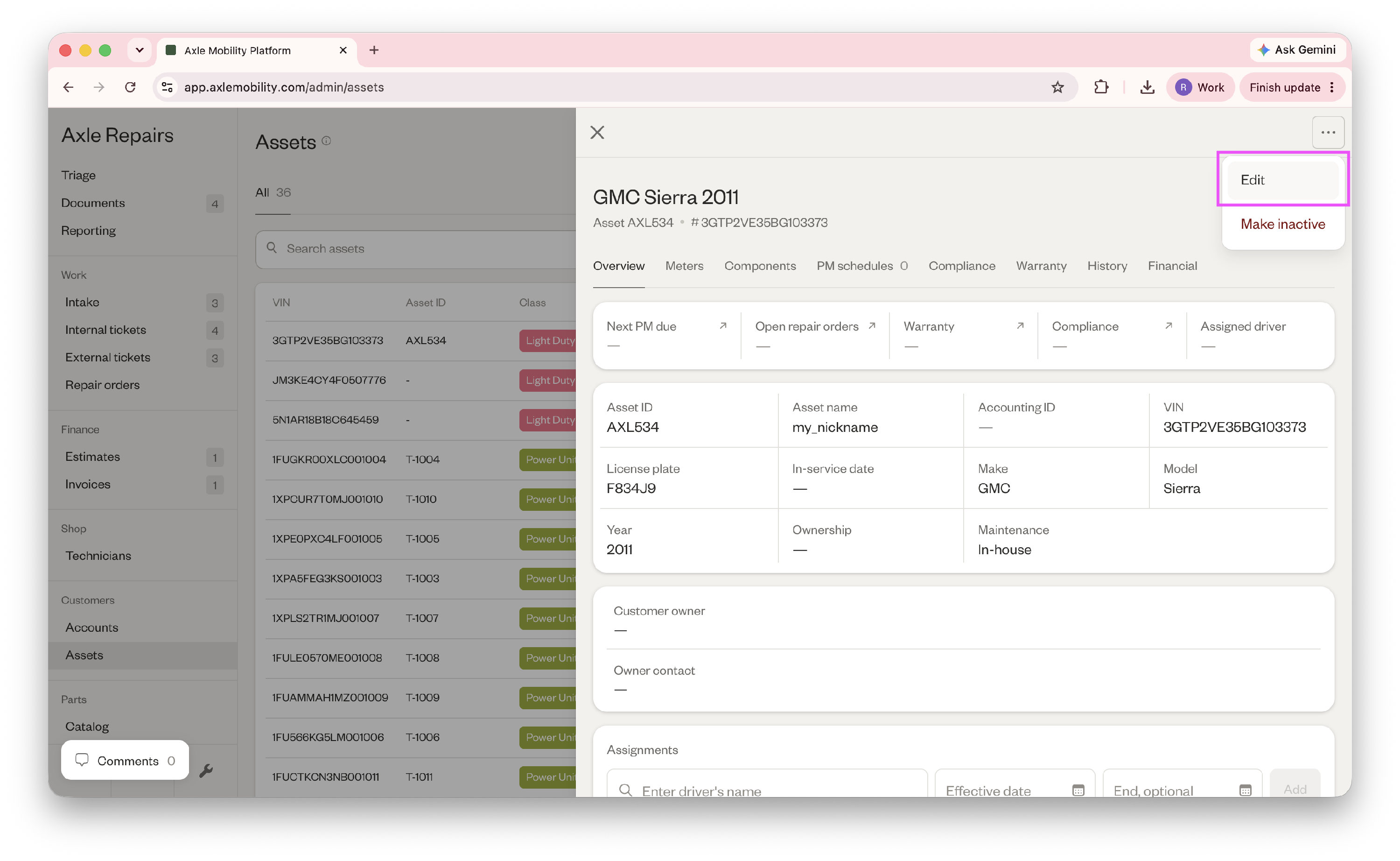
- Scroll down to Ownership and click "Customer-owned."
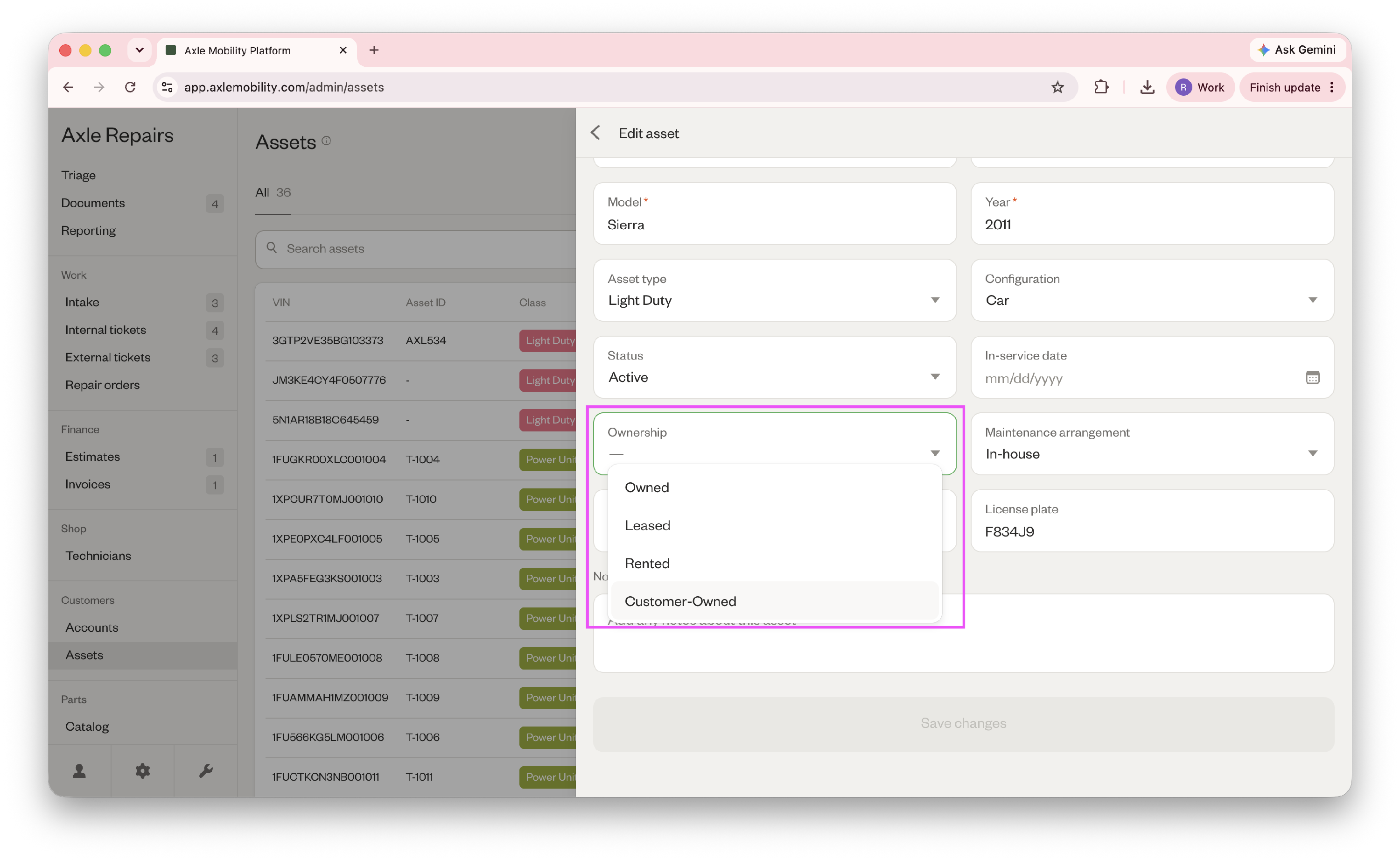
- Search for the customer name in the "Customer owner" field.
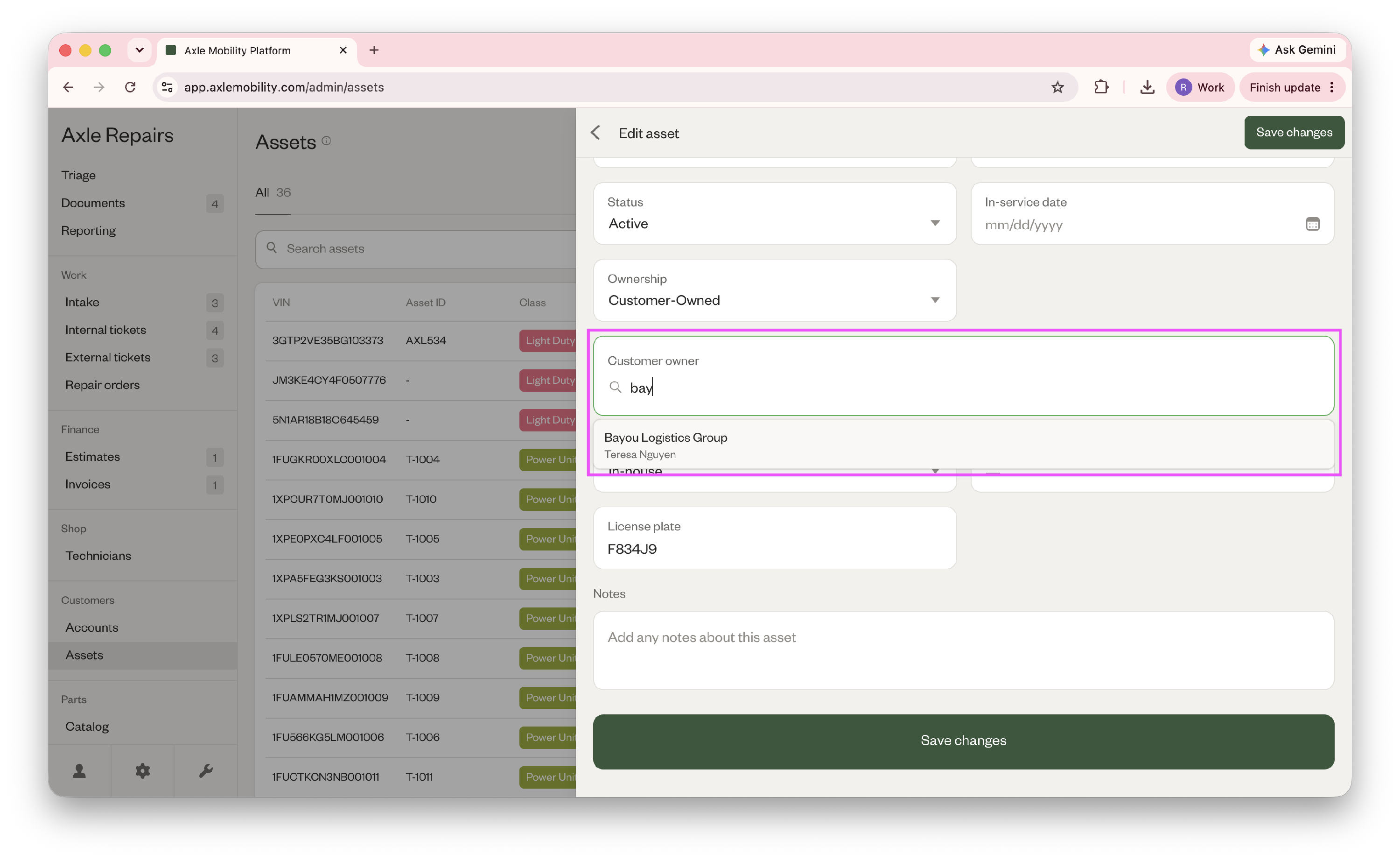
- Click "Save changes".
Did this answer your question?
Thanks for the feedback
There was a problem submitting your feedback. Please try again later.
No results found

